What is a golf launch monitors?
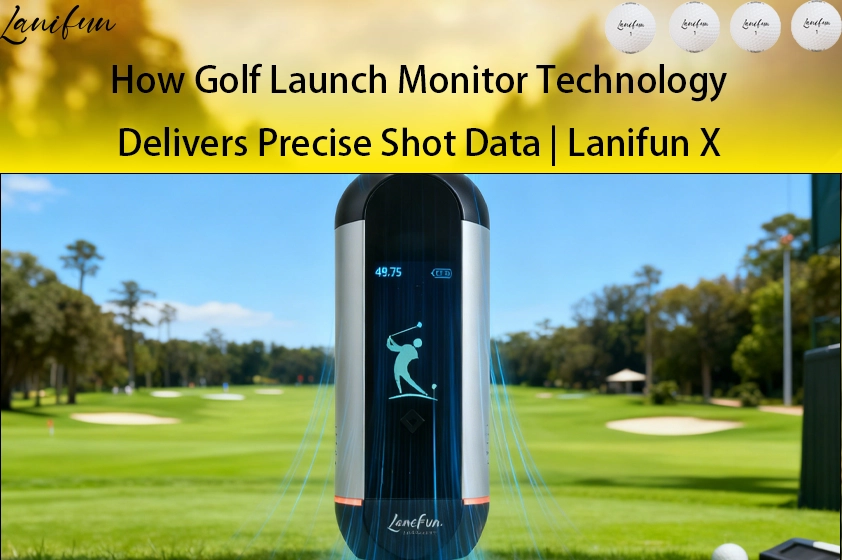
A golf launch monitors a device that converts the characteristics of a specific shot into readable data; it measures the movement of the ball and clubhead at the moment of impact.
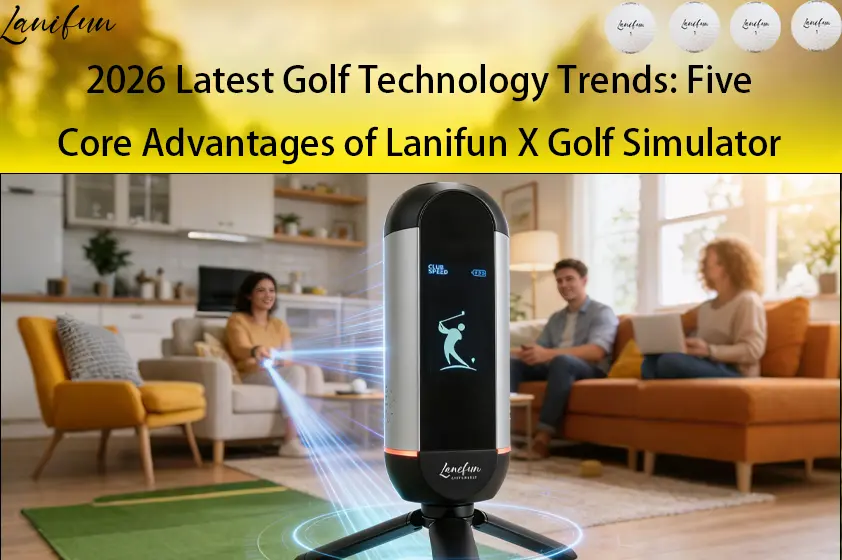
Its value lies in the closed-loop process: Observation → Transmission → Display → Correction. The Lanifun X targets specific use cases: it is designed to work in UK backyards, garages, and living rooms.
How does it work?
The Bottom Line: The Lanifun X uses 24GHz Doppler radar to capture data, which is then transmitted to a smartphone via Bluetooth.
- 1. Transmission and Echo: The radar emits electromagnetic waves and receives the echo reflected by the ball.
- 2. Ball Speed Calculation: The echo frequency shifts as the ball moves; speed is derived from this shift.
- 3. Bluetooth Transmission: Uses Bluetooth 5.2/5.3 with high-speed 2.4GHz/2Mbps transmission for direct connection to the smartphone.
- 4. Golf Launch Monitors with App: The app processes metrics and stores history, completing the closed-loop system.
- 5. Official Rated Range: Speed measurement of 32–220 mph (15–99 m/s) and distance measurement up to 350m (385yd). Low-speed, gentle putts may fall below the minimum speed threshold due to these rated limits.
- 6. Important Considerations: Radar performance is unaffected by lighting conditions but relies heavily on proper positioning; if the unit wobbles or is misaligned, data consistency will suffer.
What data does it provide?
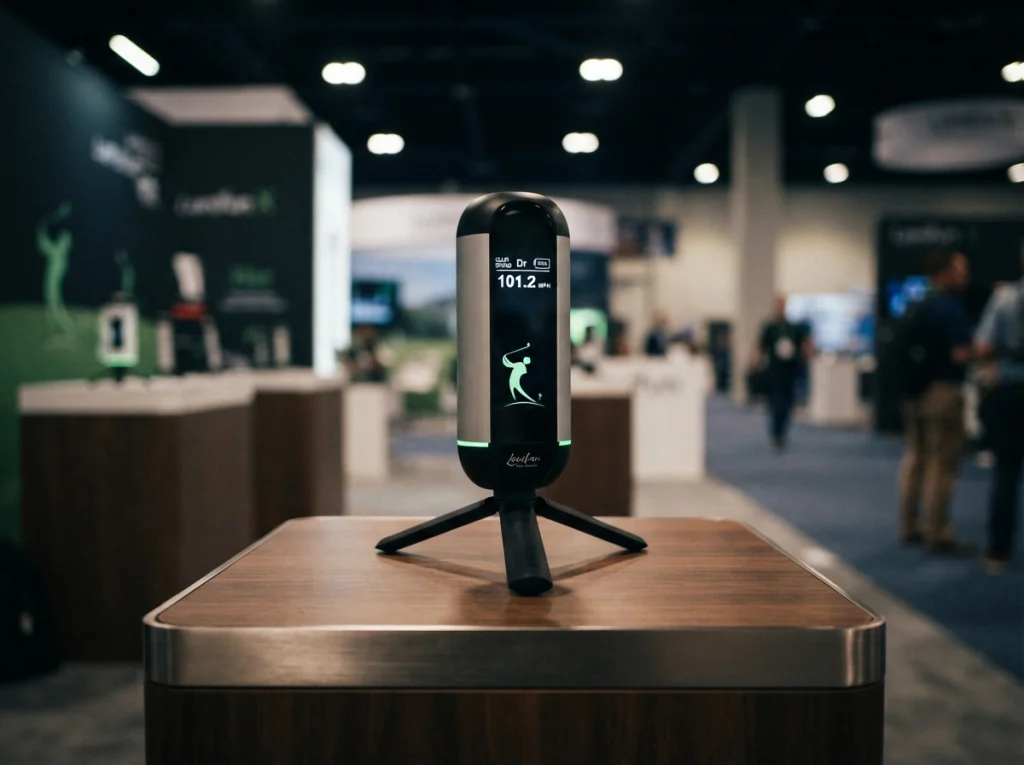
The Bottom Line: It typically tracks five primary metrics plus five additional ones.
- Ball Speed: Initial speed after impact; determines the maximum potential output.
- Launch Angle: The angle of ascent off the ground; determines the ball's trajectory.
- Spin: Affects lift and roll upon landing; also provides clues regarding "thin" or "fat" shots.
- Clubhead Speed: Compared against ball speed to assess the quality of the strike.
- Carry Distance: The most intuitive metric, though also the most easily misinterpreted.
Distance is influenced by ball type, wind, and ground conditions, making comparisons across different courses unreliable; we provide actual test data based on specific usage scenarios.
Four Real-World Use Cases
Golf Launch Monitors for Backyard Practice
Key Takeaway: The backyard is the easiest place to start, provided the unit is secured and the turf is level.
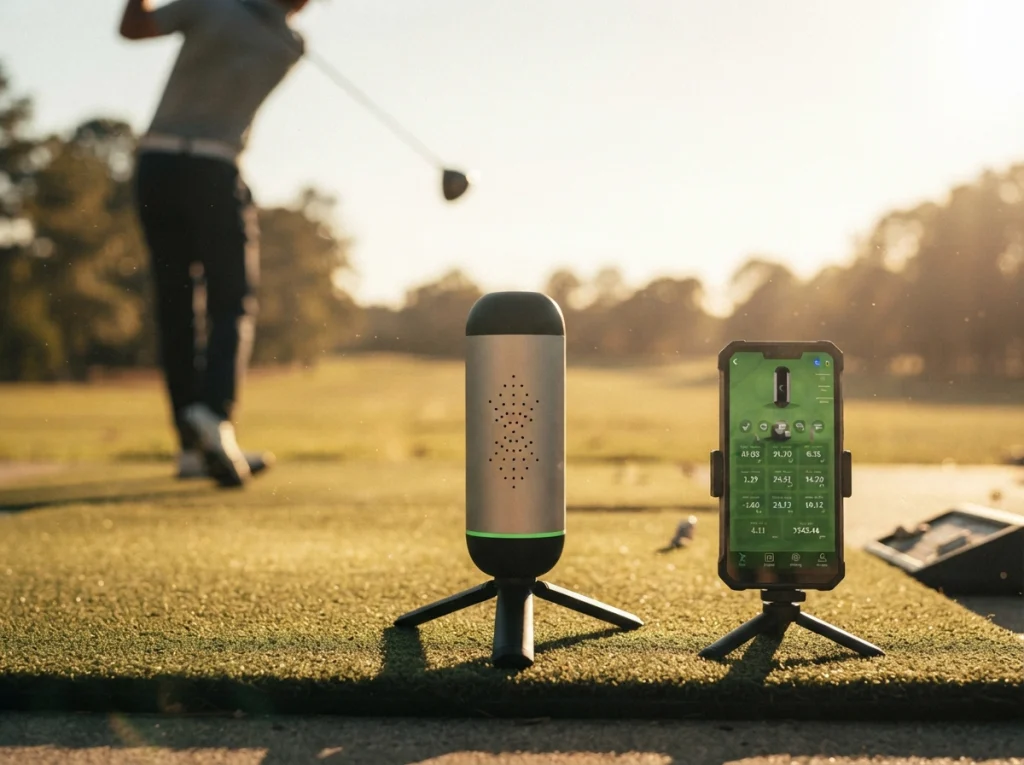
Place the Lanifun X one to two meters behind the ball; the built-in tripod deploys for stability, though there is no magnetic base. The package includes a phone mount and a dedicated carrying case, keeping parts together during transport. For training, change only one variable at a time: hit ten balls with the same club to check shot consistency before switching clubs.
Golf Launch Monitor for Indoor Golf Simulator
Key Takeaway: A simulator consists of a data capture device, an impact screen, and software visuals; it is incomplete without any one of these components.
Launch monitors and golf simulators are often confused: the former only captures data, while the latter adds software, a display surface, and safe clearance space. Positioning requires leaving a clear field of view for the radar behind the ball while allowing enough room for the swing. The app supports 3D virtual course simulation, screen recording and sharing, and precision range training; the Lanifun 32-inch mobile smart screen allows for direct app installation, eliminating the need for an external host console. Without an impact screen and adequate clearance, do not swing at full speed.
Golf Launch Monitor for Driving Range Sessions
Key Takeaway: Plenty of balls and quick feedback, though hitting mats differ from real-world lies.
Position the unit directly behind the ball, avoiding the mat’s edge and metal supports; hit three balls after powering on to ensure data stability before recording. Focus primarily on carry distance and ball speed, as hitting mats can reduce spin rates.
Golf Launch Monitor for Garage Setup
Key Takeaway: Garages offer all-weather usability.
If ceiling height is limited, start with short clubs. Move metal tool cabinets and carts out of the radar’s field of view and keep the floor dry. The radar is not sensitive to lighting conditions; however, since garage Wi-Fi and vehicle Bluetooth often coexist, turn off unrelated devices during initial pairing. Mark the floor position so the unit is placed in the same spot every time, ensuring data comparability.
About Us: Lanifun’s Manufacturing and Customization Capabilities
- Key Takeaway: We are the original manufacturer; Lanifun handles product definition, production, and delivery in-house.
- Proprietary Production Lines: SMT, assembly, and burn-in testing are all performed on our own lines, allowing for immediate troubleshooting of any issues.
- Prototyping & Spare Parts: Prototype validation precedes mass production; spare parts are reserved based on order volume, with direct factory shipment for replacements.
- Market-Specific Certifications: UKCA, CE, RoHS, and US FCC; quality management system compliant with ISO9001.
How do you choose the right one for you?
- Define the scenario: Indoor or outdoor? (This step usually determines the choice of a home-use golf launch monitors.) Features an anodized aluminum housing for durability during transport and an operating temperature range of -5°C to 50°C, making it suitable for both backyards and garages.
- Check connectivity: Direct Bluetooth connection to your smartphone is sufficient for personal use.
- Verify data: Displays 10 data points, including distance, ball speed, spin rate, launch angle, etc.
- Check power: Type-C charging and a 3000mAh battery; supports external power banks for extended practice sessions.
- Check certifications & after-sales support: Confirm UKCA, CE, RoHS, or FCC compliance based on the sales region and review the replacement process.
FAQ
Q: Can I still practice if my backyard is only 7–8 meters deep?
A: Yes. Radar technology reads the initial flight phase immediately after impact, so you don’t need to wait for the ball to land; it works well for short-game shots and mid-to-short irons within that distance. Just ensure safety: keep windows and fragile objects away from the hitting area.
Q: What should I do if the device won't connect or isn't detected via Bluetooth?
A: Follow these three troubleshooting steps: ensure your phone’s Bluetooth isn’t occupied by another device; power-cycle the unit while keeping it within one meter of your phone; and delete any old pairing records before reconnecting. If it still isn’t detected, check the app’s Bluetooth and location permissions. We conduct connectivity compatibility tests before shipment.
Q: What is the actual battery life of the 3000mAh battery?
A: Official specs: The 3000mAh battery offers approximately 6–8 hours of runtime—sufficient for a full day of regular practice on a single charge. Usage time may decrease with frequent continuous operation, low temperatures, or if powering external peripherals. We recommend charging after practice rather than relying on battery estimates, and recharging once a month if the device is left idle for long periods.
Q: I want to launch my own brand; what level of customization is available?
A: You can customize the device logo, housing color, packaging, and screen printing; we can also lock specific versions for different sales channels. We support prototyping prior to mass production; spare parts are reserved based on order volume, and replacements for defective units are shipped directly from the factory.
Q: How are certifications and after-sales services handled in practice?
A: Compliance is tailored to the target market: UKCA, CE, and RoHS for relevant regions; FCC for the US; and ISO9001 quality management standards. Valid certifications are maintained. After-sales support includes direct factory shipment of replacements and proportional spare parts allocation; firmware maintenance and upgrades can be managed via distribution channels.
Key Takeaways
- Its value lies in the "observe—transmit—display—correct" closed-loop process, not merely in the specifications list.
- Lanifun X utilizes Doppler radar and Bluetooth 5.2/5.3; performance is unaffected by lighting conditions but is sensitive to device placement.
- Official specifications list a speed range of 32–220 mph and a range of ≤350m; very slow, gentle shots may fall below the minimum detectable speed.
- Key metrics include ball speed, launch angle, spin rate, clubhead speed, and carry distance; comparing distances across different venues is unreliable.
- We are the original manufacturer with our own production lines, supporting OEM/ODM services.
- Certifications are market-specific (UKCA, CE, RoHS, FCC, ISO9001); replacements for defective units are shipped directly from the factory.