

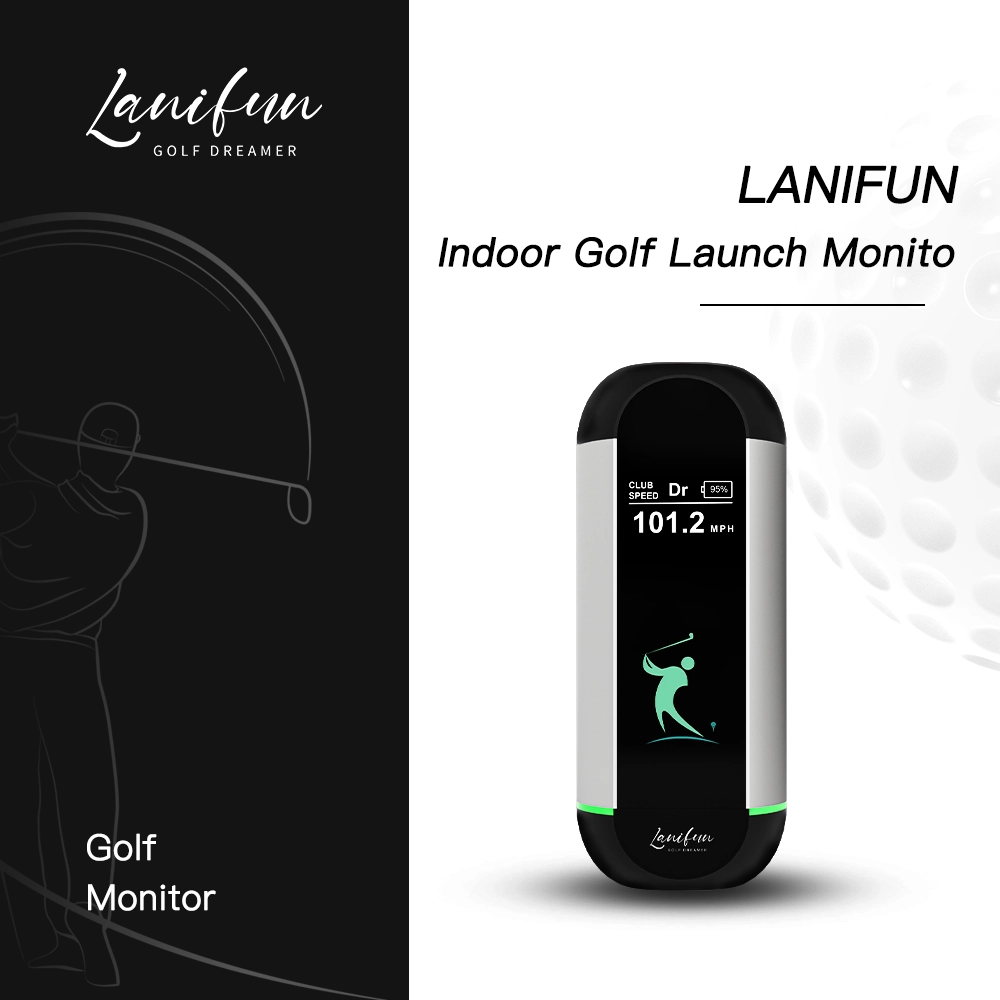
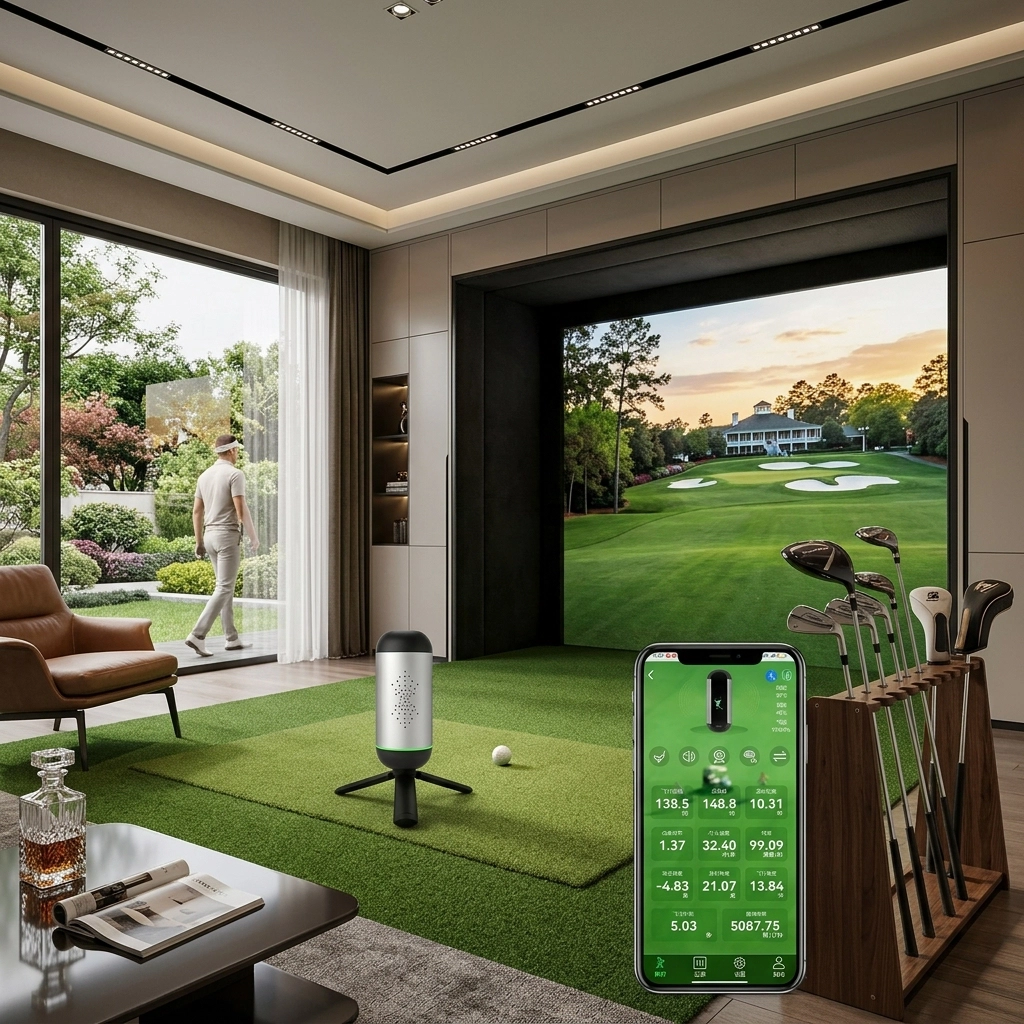
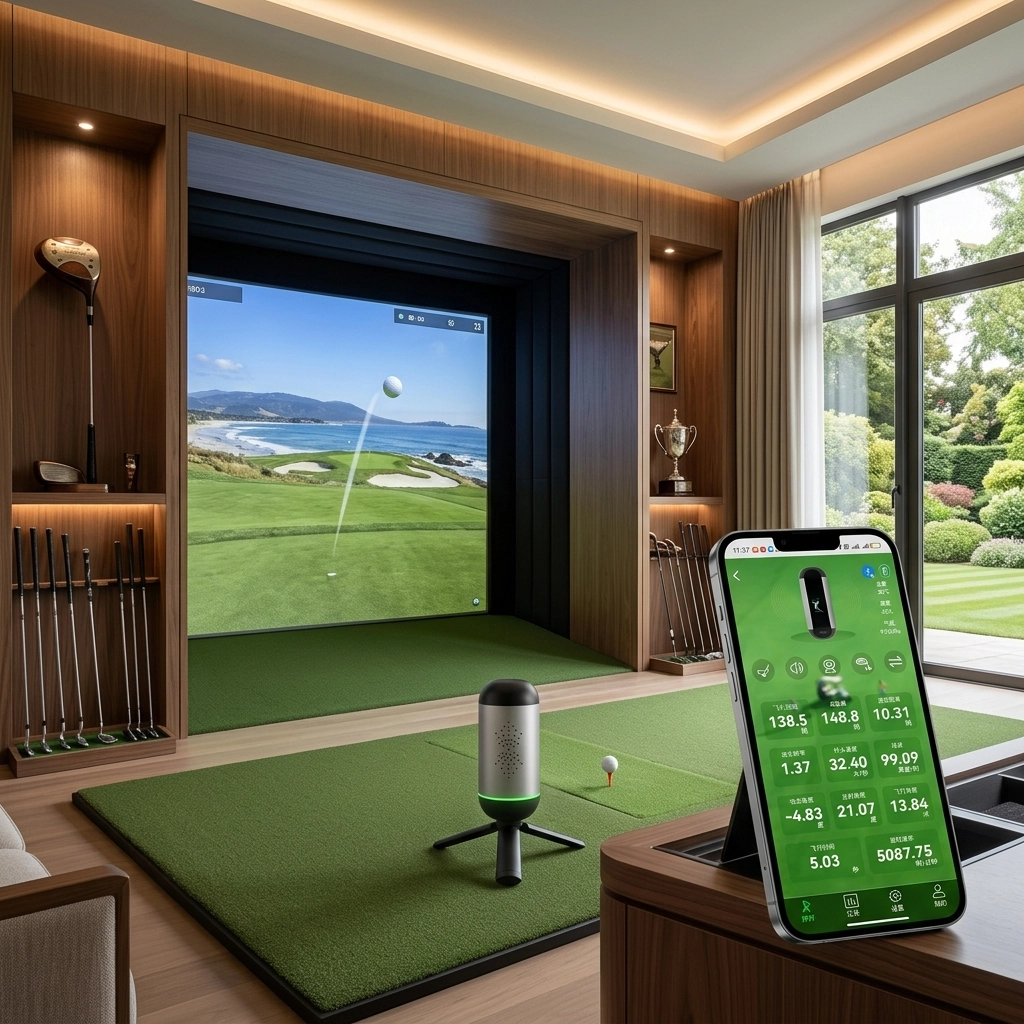
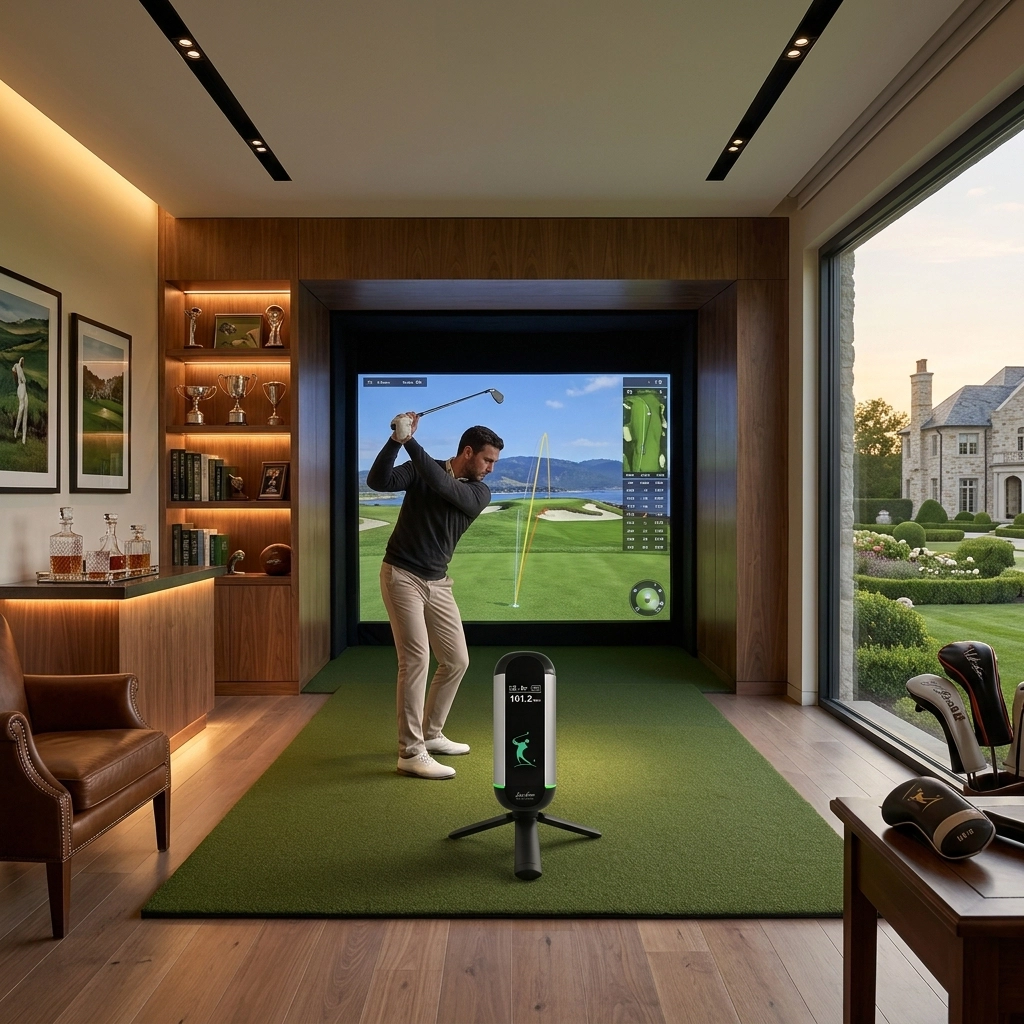

Unfold the built-in tripod, aim it at the ball, hit. No ladder, no mounting bracket, no WiFi to configure.
The Lanifun app is free. All six practice modes are included. There is no premium tier to unlock.
Indoor Mode compensates for reduced-flight and foam balls so indoor numbers stay comparable.
Try it in your own garage. If the space doesn't work, send it back within 30 days.
Most golf is actually improved indoors.
The driving range closes at dusk. The golf course is closed in February. The garage, however, remains open every evening throughout the year. Equipped with indoor golf launch monitors, this otherwise underutilized space has been transformed into a facility where you can hit 80 balls while gaining precise data on the flight path of each one.
Every night is a range night
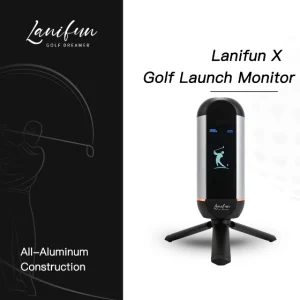
Rain, dark, frost, 9pm on a Tuesday — none of it cancels a session. Lanifun X runs off its internal 3000mAh battery, so there’s no cable to route across the garage floor and no socket to find.
Numbers, not guesses
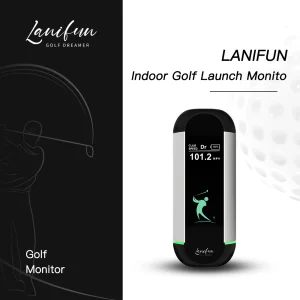
At an outdoor range you watch a ball disappear into the light and guess. Indoors, ball speed, club speed, smash factor and start direction appear on the portrait LCD the moment the ball leaves the face.
Quiet enough for a shared house
A single speaker gives you the audio cue per shot, with volume steps and a silent mode. Indoors that matters more than any spec: you can practise at 11pm without waking anyone.
Six rooms that already work.
You don’t need a dedicated simulator room. You need a mat, a net, and about two metres of clear floor behind the ball.
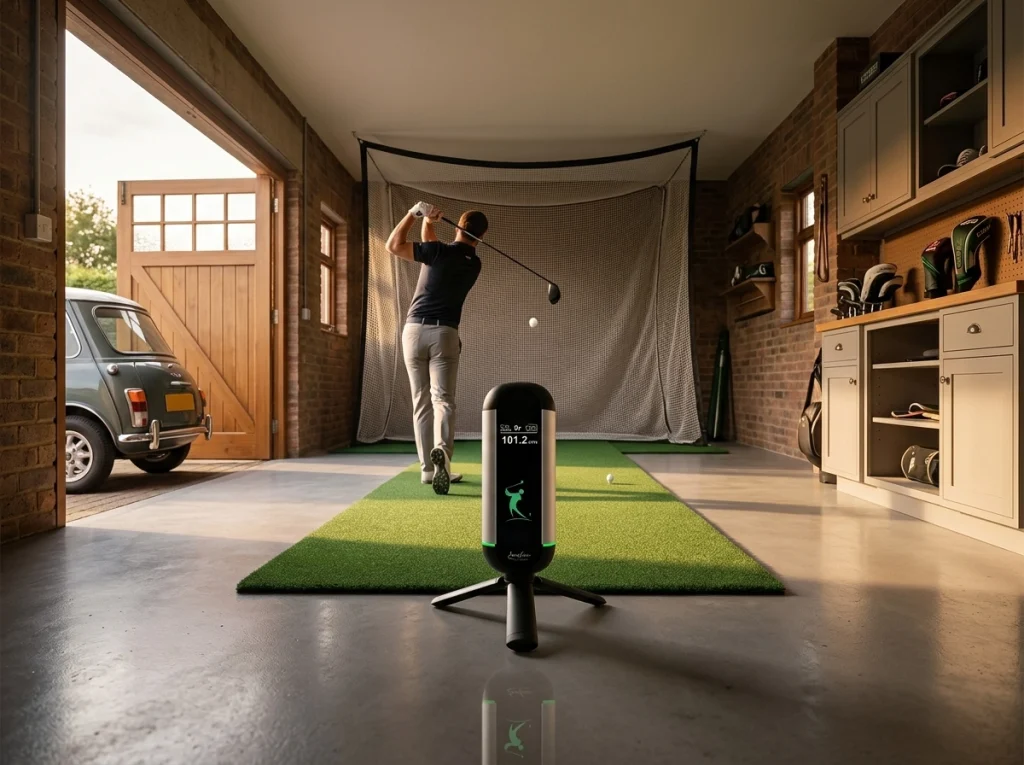
Single garage bay
Basement or cellar
Spare room or home office
Garden room or shed
Net cage / simulator enclosure
Office or club breakout room
How much room does an indoor golf launch monitor need?
Short answer: a hitting mat, a net, and roughly 2 metres of clear space behind the ball. Here’s the honest version, measured.
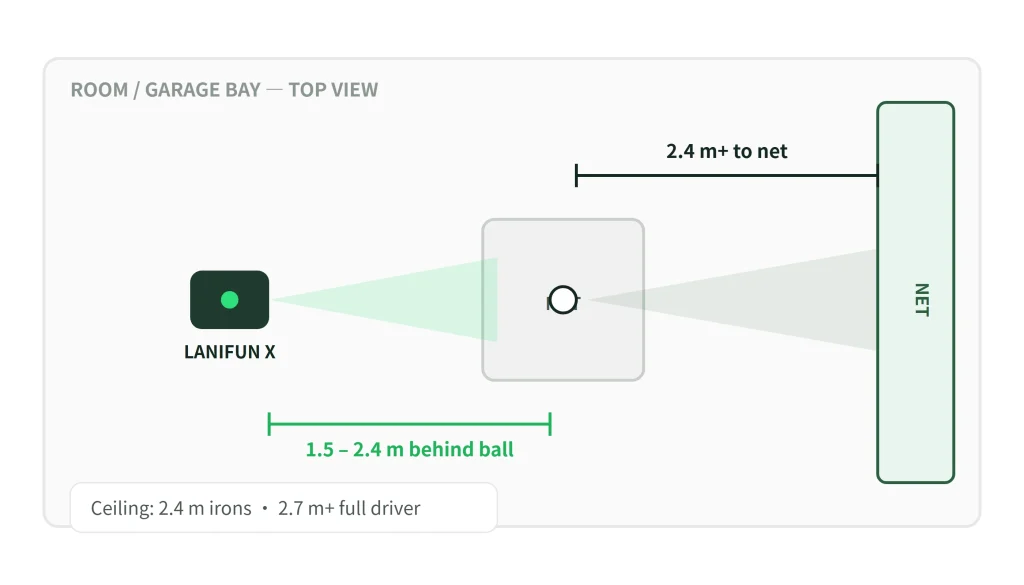
Behind ball
1.5 – 2.4 m (5 – 8 ft) of clear floor
To the net
2.4 m (8 ft) minimum, 3 m ideal
Ceiling
2.4 m for irons · 2.7 m+ for a full driver swing
Width
2.4 m (8 ft) is comfortable
Lighting
Nothing special — radar doesn't care
Flooring
Any flat surface
Indoor Practice, Realistic Numbers
Different clubs produce different ball speeds and flight distances compared to practice range conditions. If your launch monitor ignores these differences, your indoor practice results may look overly optimistic.
Indoor Mode lets you tell the Lanifun X which club you’re using—whether it’s a driver, 7-iron, or sand wedge—and adjusts your carry distance and total distance data to reflect realistic on-course equivalents.
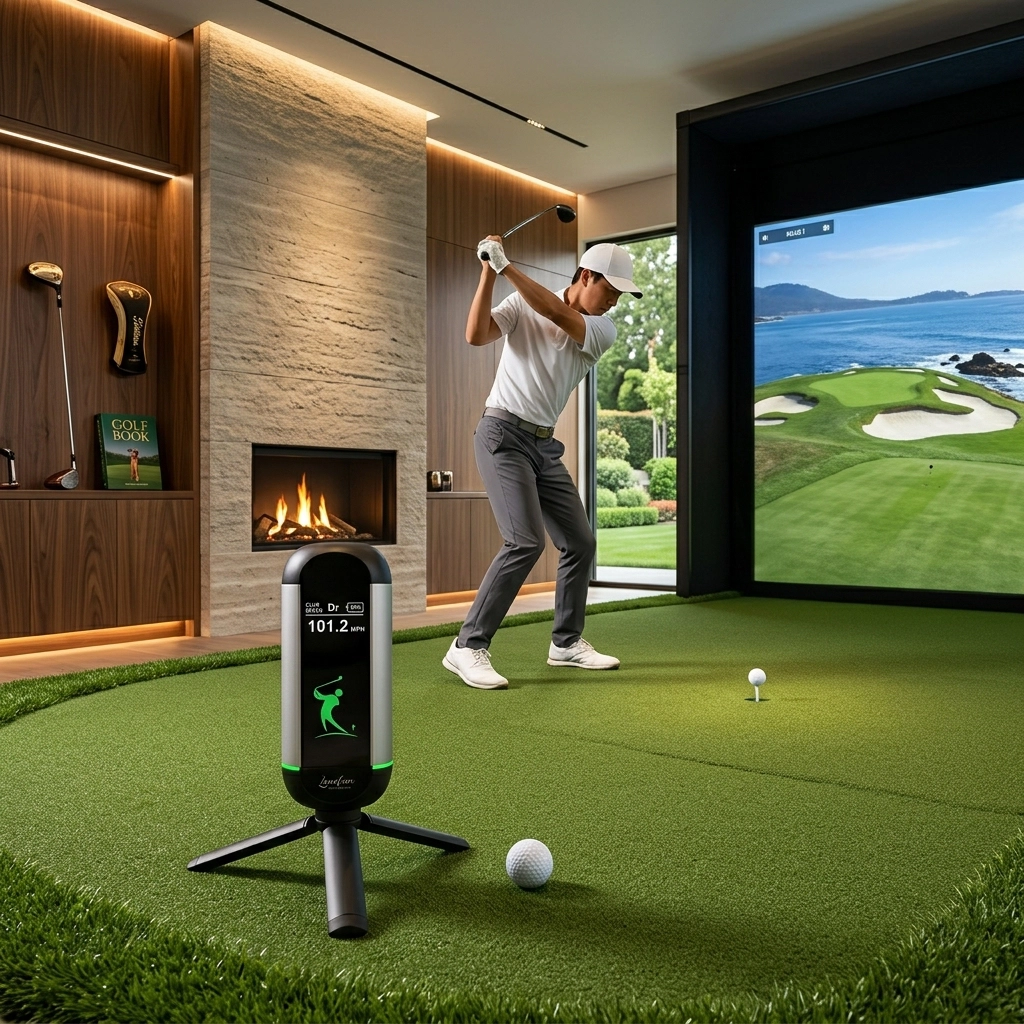
Every swing instantly generates 11 data points.
This data is transmitted via the device’s built-in Bluetooth and synced in real time to the Lanifun app on your mobile phone.
Yards/Meters
Yards/Meters
Yards/Meters
0.00 – 1.50
mph / km/h
mph / km/h
Degrees
Degrees
Feet
Seconds
rpm (revolutions per minute)
From box to first shot in 30 seconds.

Position the Device
Set Up the Tripod
Select Your Club
Start Practising
Indoor Golf Launch Monitor (Contents)
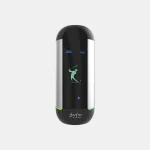
Lanifun X unit
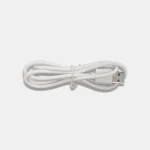
USB-C cable
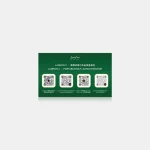
Quick start card
1-year warranty
Free app (iOS/Android)
Key Specifications for an Indoor Golf Launch Monitor
| Product parameters: | |||||||||
|---|---|---|---|---|---|---|---|---|---|
Product Model | LANIFUN X | ||||||||
Housing Configuration | Custom-made, all-aluminum construction | ||||||||
Radar Configuration | Doppler 24GHz single channel | ||||||||
Bluetooth Configuration | 2.4GHz/2Mbps | ||||||||
Charging Interface | Type-C 5V2A | ||||||||
Battery Capacity | 3000mAh (polymer lithium battery) | ||||||||
Measurable speed range | ≥15m/s or 32mph or 51km/h | ||||||||
Product weight | 0.32 kg + base 0.1 kg | ||||||||
Certified for the UK, the EU and the US.
Lanifun X is built in our own ISO 9001 audited facility and certified for every market we sell into. Certificate numbers and full test reports are available on request — just email us.

UKCA

CE

FCC

RoHS

ISO 9001
Also available on request: REACH declaration of conformity, battery MSDS, design patent certificates, and third-party RF test reports. We do not ship a market's paperwork we haven't actually been tested for.
Indoor golf launch monitor questions.
Everything people ask before they buy one for a garage, a basement, or a spare room.
A: You need to double-press a button to activate the sound function on the Lanifun X.
A: This is usually caused by a network disconnection during use, leading the app to freeze temporarily while checking the signal. Simply close the app, ensure your network connection is stable, and restart the app to reconnect. If that doesn’t work, disconnect and then reconnect the Bluetooth.
A: The light turns solid green (stops flashing) when fully charged.
A: It normally takes about 10 hours to fully charge, though this depends on the charger used; using a fast-charging adapter typically takes around two hours.
A: The red light flashes during charging.
A: Data cannot be uploaded to the cloud while the app is offline, so it won’t appear in the data display section. Once connected to the internet, the uploaded cloud data will become visible.
A: The golf monitor will automatically shut down after 5 minutes of inactivity. When you are ready to use it again, turn the device on; it will automatically reconnect to the previously paired Bluetooth. Opening the app will also trigger an automatic check and reconnection to the device.
A: Search for “Lanifun” in your mobile app store to download the Lanifun Golf app.

Reviews
There are no reviews yet.