
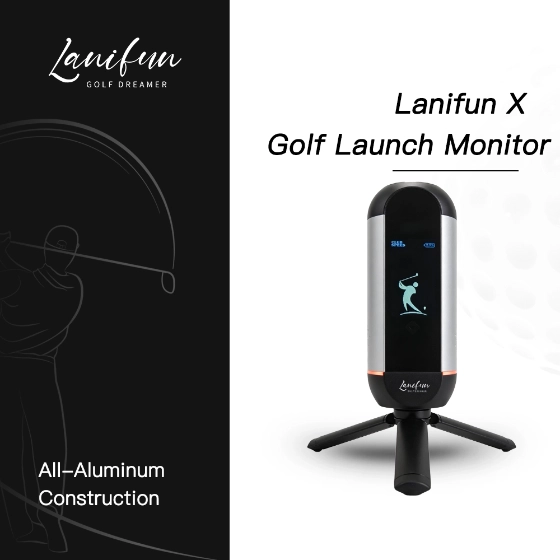


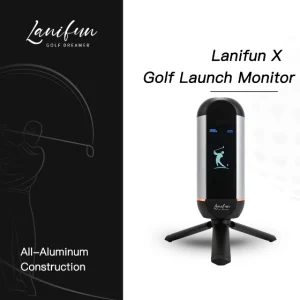
Lanifun X Smarter practice, in your pocket.
The Lanifun X Portable Golf Launch Monitor offers two practice modes and real-time shot data, with a clear display that’s easy to read even at the driving range. Get the key data you need without spending a fortune on professional launch monitors that aren’t practical to take with you on the course.
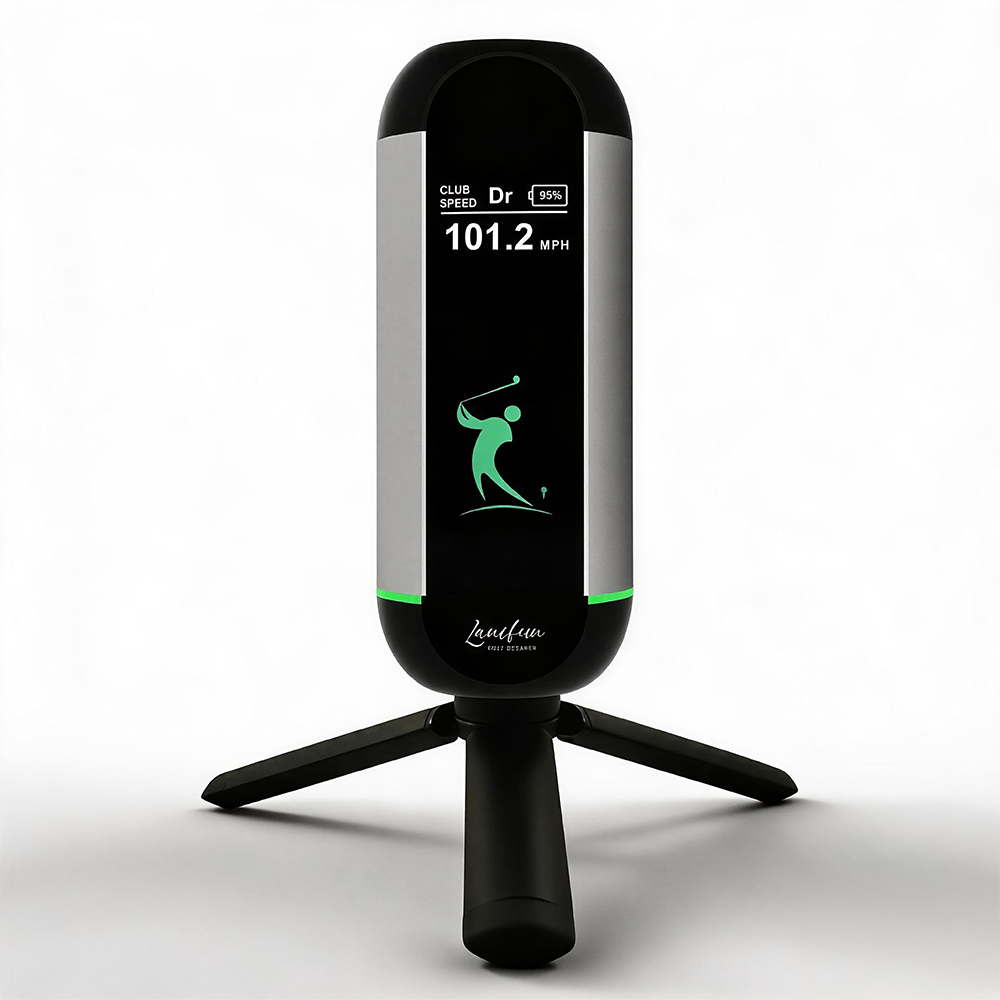
24GHz Doppler radar that reads every shot.
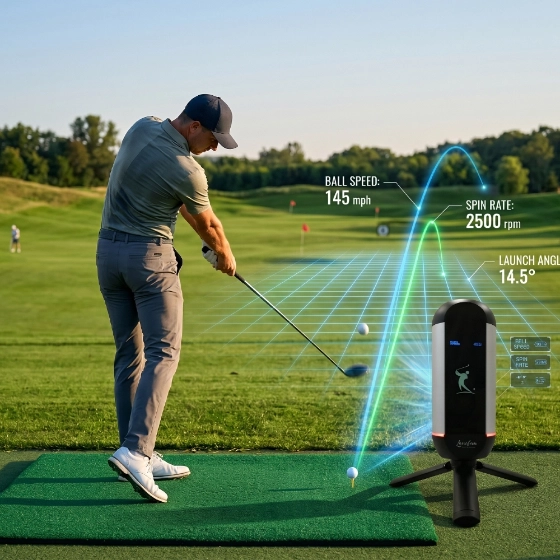
The Lanifun X Portable Golf Launch Monitor uses 24GHz Doppler radar technology, a widely adopted solution in the industry, packed into a compact, palm-sized body. See your club speed, ball speed, and smash factor in real time—no need to remember or guess. Finish your swing, and the data for your next shot is right there.
- Displays ball speed, club head speed, and direction for every swing.
- Radar tracking delivers accurate data even in bright sunlight.
- Lanifun App — no ball calibration required. Just swing and go.
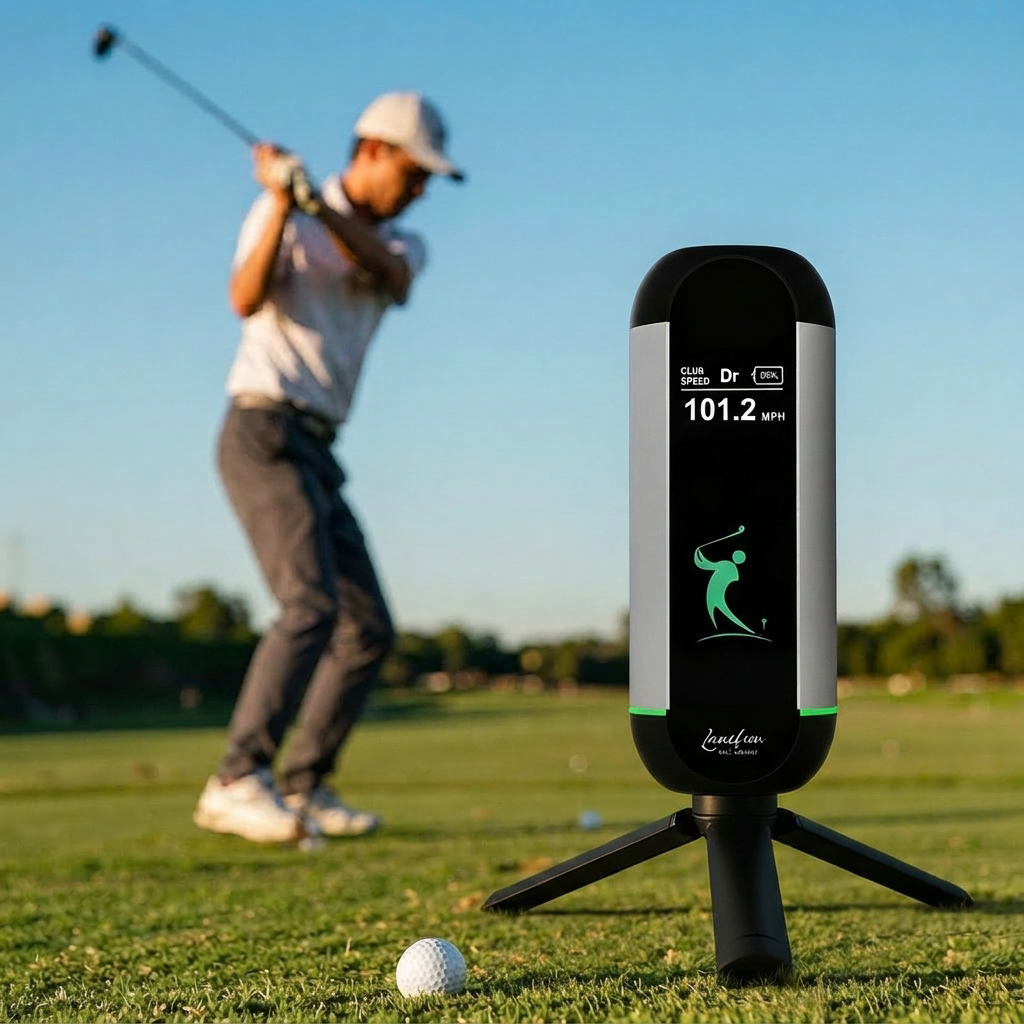
All the data you need. No subscription
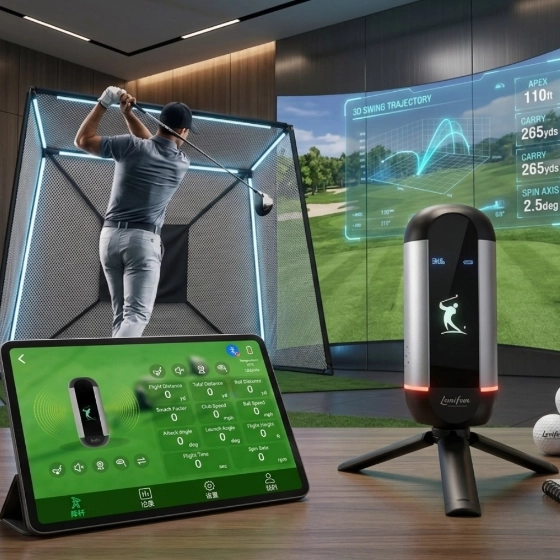
Track 10 key metrics with every swing—from carry and total distance to club speed, ball speed, smash factor, backspin, launch height, flight time, attack angle, and launch angle. Complete swing data, unlocked from day one. No monthly fees. No subscription.
- Track 10 key metrics, including distance, club speed, ball speed, and more—all with no subscription required.
- View your last 50 swings side by side and track your progress.
- Switch modes anytime without resetting your current session.
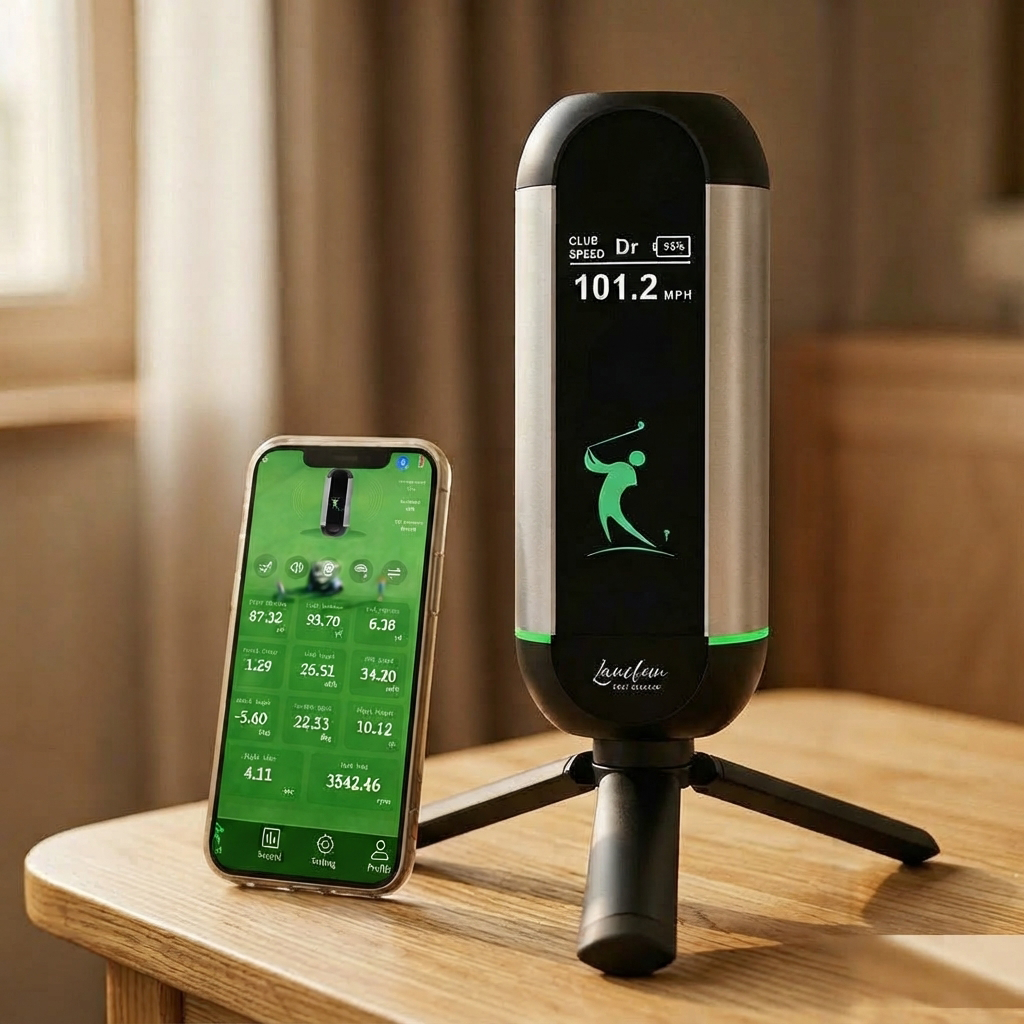
Pair once, connect automatically.
Lanifun X pairs with the Lanifun app via Bluetooth in seconds. After that, it reconnects automatically, while recorded videos sync to your phone. Cloud storage is optional, and the device works independently without relying on the cloud.
- Bluetooth 5.x dual-mode (Classic + BLE)
- iOS 14+ and Android 9+ supported
- Real-time shot sync to the Lanifun app
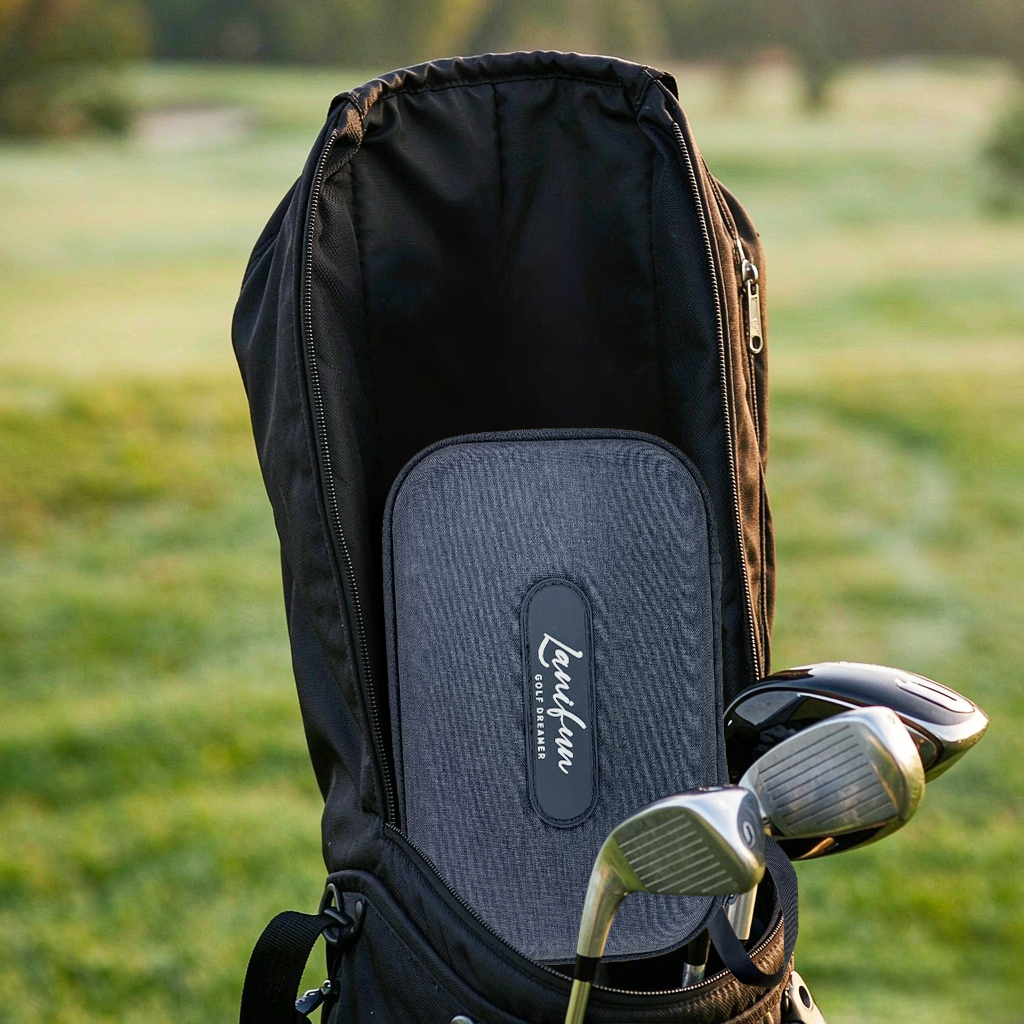
Equipped with a detachable tripod, with up to 8 hours of use on a single charge.
Simply attach the tripod and place Lanifun X on any flat surface. You can be ready to hit your first shot in under 30 seconds. Its 3,000mAh battery supports up to 8 hours of practice on a single charge—more than enough for a full practice session, including warm-ups, with plenty of battery power to spare.
- Detachable tripod with screw-on mounting
- 3,000mAh / 3.7V lithium-polymer battery
- USB-C charging, fully charged in as little as 1 hour
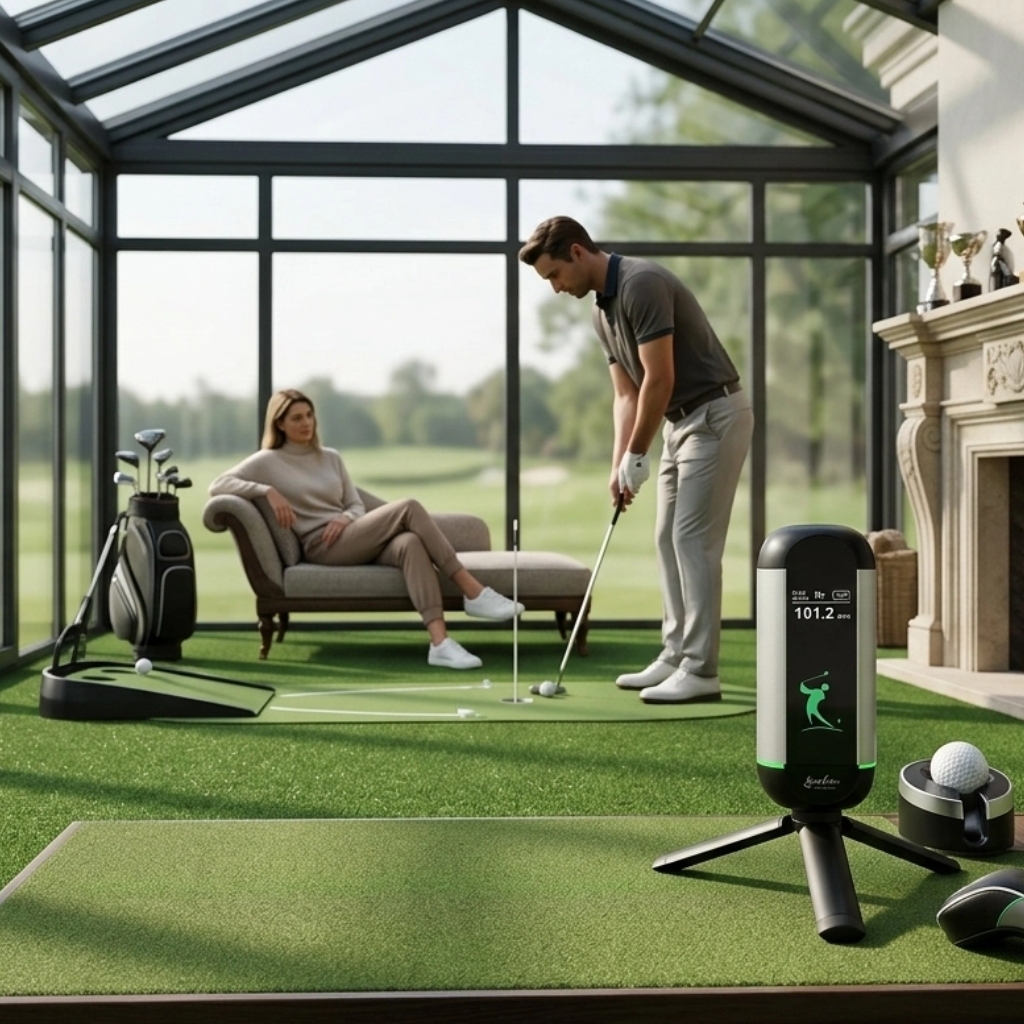
Eye-catching RGB breathing light ring—clearly visible day or night.
A bright RGB decorative ring surrounds the center of the device. It not only indicates that the device is powered on and ready to use, but also doubles as a subtle practice light at night. And when your gear is mixed together in a golf bag, its distinctive design makes it easy to spot your Lanifun X at a glance.
- Bright RGB accent ring at the device waist
- Clearly visible when powered on
- Hand-finished aluminum body, anti-fingerprint coating
lanifun X Portable Golf Launch Monitor Package Contents
Commercial Gift Box
Lanifun X Main Unit
Portable Carrying Case
Tripod
Measuring Tape
Phone Holder
USB-C Cable
Quick Start Guide
Hex socket
Tested, certified, traceable.
We run the line ourselves. Every Lanifun X is built, tested and packed in our own ISO 9001 audited facility — no trading company in the middle, no mystery subcontractor. Certificates and test reports are available on request.

CE
EU health, safety & environmental standards

RoHS
Restriction of Hazardous Substances

UKCA
UK Conformity Assessed

IS09001
Audited quality management

portable launch monitor Specification
| Product parameters: | |||||||||
|---|---|---|---|---|---|---|---|---|---|
Product Model | LANIFUN X | ||||||||
Housing Configuration | Custom-made, all-aluminum construction | ||||||||
Radar Configuration | Doppler 24GHz single channel | ||||||||
Bluetooth Configuration | 2.4GHz/2Mbps | ||||||||
Charging Interface | Type-C 5V2A | ||||||||
Battery Capacity | 3000mAh (polymer lithium battery) | ||||||||
Measurable speed range | ≥15m/s or 32mph or 51km/h | ||||||||
Product weight | 0.32 kg + base 0.1 kg | ||||||||
Lanifun X Portable Golf Launch Monitor FAQs
A: You need to double-press a button to activate the sound function on the Lanifun X.
A: This is usually caused by a network disconnection during use, leading the app to freeze temporarily while checking the signal. Simply close the app, ensure your network connection is stable, and restart the app to reconnect. If that doesn’t work, disconnect and then reconnect the Bluetooth.
A: The light turns solid green (stops flashing) when fully charged.
A: It normally takes about 10 hours to fully charge, though this depends on the charger used; using a fast-charging adapter typically takes around two hours.
A: The red light flashes during charging.
A: Data cannot be uploaded to the cloud while the app is offline, so it won’t appear in the data display section. Once connected to the internet, the uploaded cloud data will become visible.
A: The golf monitor will automatically shut down after 5 minutes of inactivity. When you are ready to use it again, turn the device on; it will automatically reconnect to the previously paired Bluetooth. Opening the app will also trigger an automatic check and reconnection to the device.
A: Search for “Lanifun” in your mobile app store to download the Lanifun Golf app.
Start professional golf training and experience the joy of golf
Use the Lanifun X Golf Launch Monitor to track your swing data and boost your confidence.
Reviews
There are no reviews yet.