what are the best launch monitors for golf
There is no single “best” golf launch monitor; the right choice depends on your specific needs and usage scenario. At Lanifun, we recommend evaluating options based on five key criteria: radar type, battery life, portability, app connectivity, and certified after-sales support.
What defines the "best" golf launch monitor? Look at these 5 key criteria.
The bottom line: To identify the best model, you need to translate technical specifications into real-world usability.
- 1. Radar type determines data accuracy: We prioritize Doppler radar launch monitors because they measure speed via the Doppler effect and are unaffected by lighting conditions; the official speed measurement range is 32–220 mph (15–99 m/s).
- 2. Battery life determines practice duration: A monitor should last through an entire practice session. Our Lanifun X features a 3000mAh battery with an official runtime of approximately 6–8 hours—enough to cover everything from warm-up to the final swing.
- 3. Portability determines setup flexibility: The value of a portable golf launch monitor lies in the ability to practice anywhere, anytime. The Lanifun X includes a built-in tripod and a carrying case, and its stable base ensures it sits securely on grass fairways without needing a magnetic mount.
- 4. App connectivity determines data utility: A monitor with app support is essential for turning raw data into actual improvement. The Lanifun X supports Bluetooth 5.2/5.3 (2.4GHz/2Mbps) and screen recording/sharing, allowing you to view data in real-time while you practice.
- 5.Certification and after-sales support ensure long-term reliability: For the UK market, Lanifun holds UKCA, CE, and RoHS certifications, operates under ISO9001 standards, and is FCC certified for the US; even the best budget golf launch monitors in the UK require this kind of regulatory compliance.

How We Made Lanifun X a Top Contender: 6 Key Reasons
Here are the six factors that position Lanifun X as a top-tier launch monitor:
- 24GHz Doppler Radar: Features a 24GHz radar core. Why it matters: Superior interference resistance compared to lower frequencies ensures stable readings—even in a backyard at dusk—highlighting the inherent advantages of Doppler radar technology.
- Approx. 6–8 Hour Battery Life: Powered by a 3000mAh low-power battery. Why it matters: A single charge lasts long enough for half a round or an entire evening of home practice.
- Built-in Tripod & Carry Case: Includes an integrated stand on the unit, plus a tripod and phone mount in the box. Why it matters: Highly portable and versatile—set it up anywhere and grab-and-go with ease.
- High-Speed Bluetooth Connectivity: Bluetooth 5.2/5.3 (supporting 2.4GHz/2Mbps). Why it matters: Instant data transmission to your phone ensures a smooth, responsive app experience.
- 3D Virtual Courses & Screen Recording: Supports 3D course simulation and video recording. Why it matters: Archives every swing, effectively blurring the line between a standard launch monitor and a full golf simulator.
- RGB Ring Light & Aluminum Housing: Features an RGB ambient light ring, an anodized aluminum casing, a vertical LCD screen, and an operating temperature range of -5°C to 50°C. Why it matters: Stylish yet durable; convenient Type-C charging.
Four Real-World Use Cases
The following four scenarios represent the situations where most people face the toughest decisions when choosing a launch monitor.
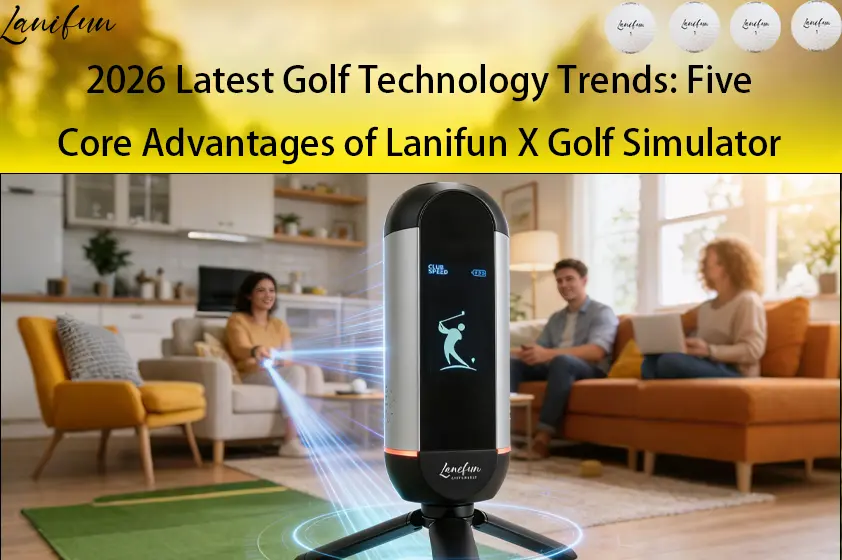
Best Launch Monitor for Backyard Practice
Backyards often have limited space and inconsistent lighting. Lanifun X sets up easily with its built-in tripod, positioned 1–2 meters from the ball. Its 24GHz radar is unaffected by backlight issues and measures speeds from 32 to 220 mph, covering the full range of standard swings (note: low-speed putts under 32 mph fall outside the standard measurement range).
Best Launch Monitor for Indoor Golf Simulator
For indoor setups, the focus is on screen projection and immersion. Pair the Lanifun X with a smartphone mount to access 3D virtual courses, and use a 32-inch portable smart display (Android 14, RK3576, 14.8V 15000mAh) for a large-screen experience and session recording. It requires only a 2.5-meter radius, allowing for practice even without a projection screen.
Best Launch Monitor for Driving Range Sessions
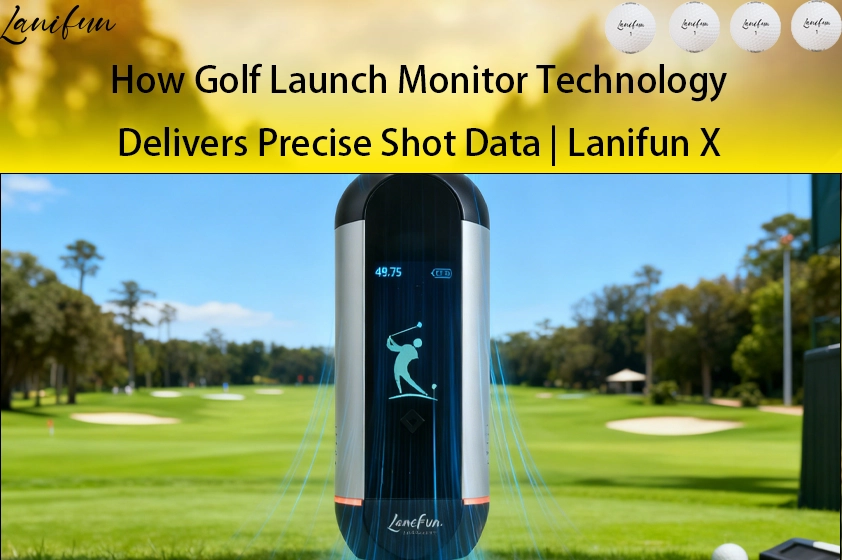
At the driving range, convenience is key. Place the Lanifun X next to the hitting mat and connect via Bluetooth to view real-time data on your phone. With a range of up to 350m (385yd), it handles even the longest drives; the distinctive green ring ensures visibility, and the 6–8 hour battery life covers a half-day session.
Best Launch Monitor for Garage and Travel Setup
For garage use and travel, portability is essential. The Lanifun X comes with a built-in tripod (no magnetic base needed). The package includes a Type-C cable and a multilingual manual. Its durable aluminum casing withstands bumps, and it operates in temperatures ranging from -5°C to 50°C—perfect for garages or road trips—allowing you to practice the moment you open your trunk.
About Us: Lanifun’s Manufacturing and Customization Capabilities
We are the original manufacturer operating our own production lines; we do not simply rebrand or resell other products.
As the original manufacturer, we support OEM/ODM customization, including device logos, casing colors, packaging screen printing, and firmware interfaces. We offer channel-specific firmware locking and provide prototypes before mass production. Spare parts are stocked based on order volume, with direct factory shipping for replacements. Certifications include UKCA/CE/RoHS (UK), FCC (USA), and ISO9001 quality management systems.

FAQ
Q: How should a beginner choose their first unit?
A: Beginners should prioritize “ease of practice.” We recommend starting with a portable golf launch monitor like the Lanifun X, which features a built-in tripod and 6–8 hours of battery life—simply set it up and connect to your phone. When asked how to get started with launch monitors, the answer is always to prioritize accurate swing speed readings first.
Q: Can it be used in a small backyard space?
A: Yes. The Lanifun X features a built-in tripod mount; simply place it 1–2 meters away from the ball. Its 24GHz radar is unaffected by backlight, and the speed measurement range of 32–220 mph covers standard swings. Note that very slow putts (under 32 mph) fall outside the standard measurement range—this is normal and does not indicate a malfunction.
Q: Is an impact screen required for indoor use?
A: Not necessarily. You can mount the Lanifun X to a phone holder and use the 3D virtual course mode; a small room with a 2.5-meter swing radius is sufficient for practice. For a larger display, you can pair it with a 32-inch portable smart screen (Android 14). Since the radar tracks initial speed and trajectory rather than relying on screen projection, you save on setup costs.
Q: What should I do if Bluetooth won't connect?
A: First, ensure your phone’s Bluetooth (version 5.2 or 5.3) is enabled and place the Lanifun X within 2 meters. We use 2.4GHz/2Mbps transmission, so re-pairing usually results in an instant connection. If connection issues persist, try restarting the device, clearing the app cache, or fully charging the unit via Type-C. Firmware versions are locked by sales channel; for batch issues, we ship replacement parts directly.
Q: How can I get the most out of the 6–8 hour battery life?
A: Our official rating is approximately 6–8 hours; we recommend a full charge for a half-round or a backyard session. On the go, you can extend usage with a Type-C power bank. Keep it in your trunk for garage or travel use—simply set it up at your destination to start practicing; a single charge covers most practice sessions.
Q: Do you offer OEM/ODM customization?
A: Yes. As the original manufacturer with our own production lines, we support customization for the device logo, casing color, packaging graphics, and firmware interfaces. We lock firmware versions based on sales channels and produce batches only after prototype approval. Certifications include UKCA, CE, RoHS (UK/EU), and FCC (US), with ISO9001 quality management systems in place.
Q: How are UK certifications and after-sales support handled?
A: We have obtained UKCA, CE, RoHS, and FCC certifications, and operate under the ISO9001 quality management system. Spare parts are stocked in proportion to orders, and replacements for defective units are shipped directly from the factory. The 32-inch screen shares the same system as the Lanifun X; UK distribution is hassle-free, and after-sales support avoids time-zone issues.
Key Takeaways
When choosing the best launch monitors, consider five key metrics, select based on usage scenarios, and look for the original manufacturer.
- There is no single "best launch monitor for golf"; choose the right one based on your specific scenario.
- Five critical metrics: radar type, battery life, portability, app connectivity, and certified after-sales support.
- The Lanifun X features 24GHz radar, approximately 6–8 hours of battery life, and a built-in tripod, making it suitable for various settings.
- The four usage scenarios—backyard, indoors, driving range, and garage—each require specific placement considerations.
- Lanifun is the original manufacturer, supporting OEM/ODM customization and channel-specific firmware locking, with certifications covering the UK and US.
- Official specifications list a speed measurement range of 32–220 mph and a distance range of ≤350m; low-speed, gentle putts may fall outside the measurement range.
- We do not fabricate accuracy figures; data specifications are presented within regulatory compliance standards.