
The answer is yes—Lanifun X not only works indoors, but it performs exceptionally well. When designing this golf launch monitor, Lanifun specifically considered the needs of indoor users, incorporating a dedicated indoor mode that allows you to enjoy a professional-grade golf training experience at home. Let's take a look at how to properly set up and optimize your Lanifun X indoor usage plan.
Step 1: Indoor Environment Preparation
Before you start using Lanifun X, you need to ensure you have a suitable indoor space. We recommend having an area at least 2.5 meters wide, 3 meters deep, and 3 meters high to ensure your swing doesn't hit the walls or ceiling. We recommend laying a golf hitting mat in the hitting area to reduce joint stress and simulate the feel of a real course. Hang a hitting net or projection screen in front of the hitting direction to capture the golf ball while protecting the wall. Lanifun recommends using a high-density screen or dedicated hitting net to ensure long-term durability.
Step 2: Lanifun X Placement
Place the Lanifun X approximately 1.5 meters behind the hitting position, with the device facing the hitting direction. Ensure the Lanifun X is horizontal, not tilted or sideways, as this is crucial for radar wave capture accuracy. We recommend using a dedicated tripod for stability. If using a tripod, ensure it is locked and placed on a flat surface. Lanifun includes a quick placement guide card in the packaging for initial reference.
Step 3: Activating Indoor Mode
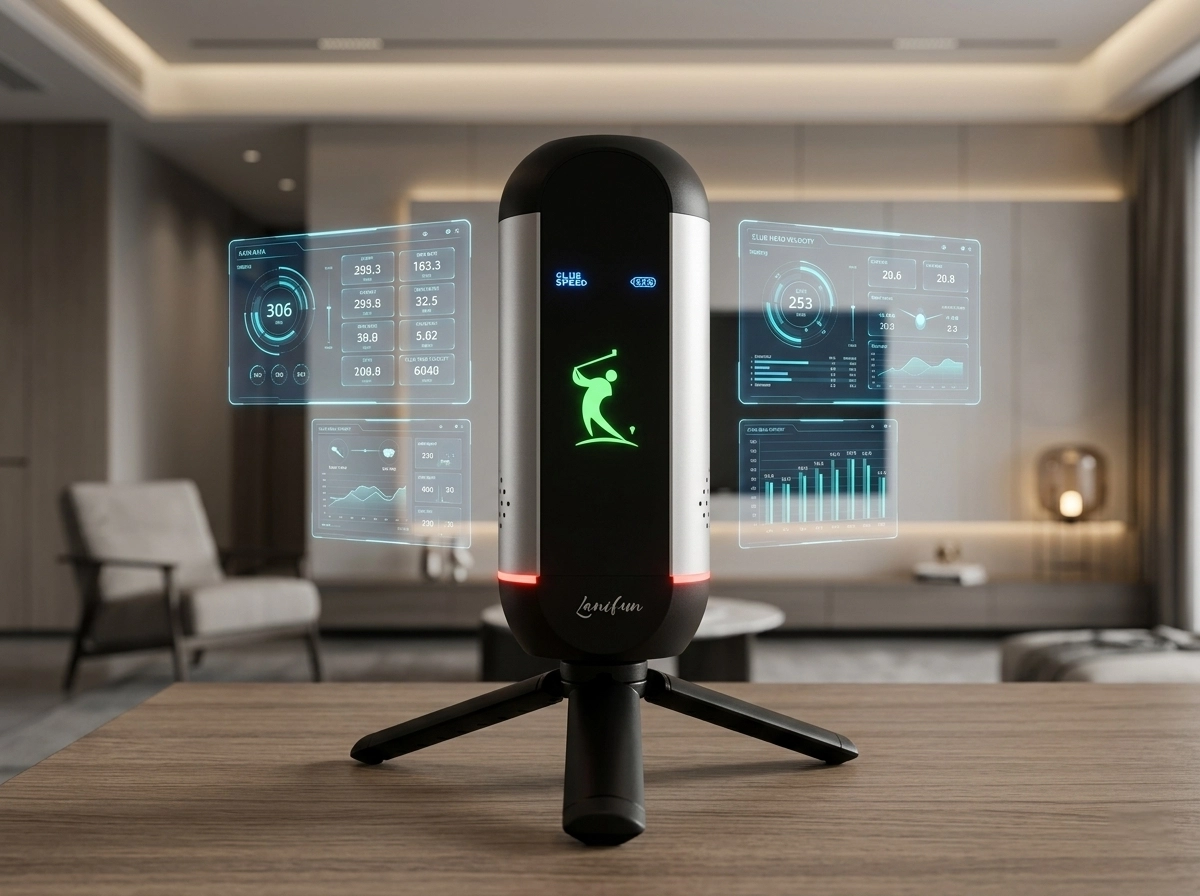
The Lanifun X's built-in indoor mode is key; it automatically adjusts radar sensitivity and data algorithms to adapt to measurement environments with limited space. Operation is very simple:
Fourth Step: Optimizing Indoor Measurement Accuracy
To experience indoor measurement accuracy, please note the following:
Laifun Brand Zone
Frequently Asked Questions (FAQ)
Q: Will the measurement accuracy of the Lanifun X decrease indoors?
No. With indoor mode enabled, the Lanifun X's measurement accuracy remains consistent with outdoor use, with ball speed error still within ±0.5 mph. The key is to ensure proper placement and that indoor mode is enabled.
Q: What is the minimum indoor space required?
We recommend at least a 2.5m × 3m × 3m area. If space is slightly tighter, a short-swing is recommended. However, please ensure that your club does not hit the walls or ceiling during your swing.
Q: What data does the Lanifun X indoor mode support?
Indoor mode supports all core data: ball speed, clubhead speed, impact efficiency, launch angle, spin rate, and flight distance, exactly the same as outdoor mode.
Q: Is an internet connection required for indoor use?
Bluetooth connection does not require an internet connection. However, a Wi-Fi connection is required if you want to use the virtual course simulation function or cloud data synchronization.
Summary
The Lanifun X fully supports both indoor and outdoor use. At Lanifun, we hope every golf enthusiast can enjoy a professional-grade training experience at home—practice whenever and wherever you want. Grab your Lanifun X now and start your indoor golf journey!