
Best Golf Launch Monitor for a Home Simulator
Looking to set up a golf simulator at home? We’ll guide you through the selection and setup process—covering Doppler radar, built-in tripods, Bluetooth app integration, and home-use scenarios. Many beginners mistakenly believe a simulator is just a screen and a projector; in reality, the core data comes from a “launch monitor.” Here, we’ll break down how to choose and assemble a home golf simulator, using the Lanifun system as an example.
What Is a Golf Launch Monitor?
A golf launch monitor is a device designed for home practice that uses radar to capture data on both the golf ball’s flight and the clubface at impact. By utilizing the Doppler effect, it measures metrics like ball speed, launch angle, and direction, then transmits this data to your smartphone or a display screen. For those looking to improve their game at home, it offers far more valuable feedback than simply swinging a club.
Why It’s Essential for a Home Simulator
For any home golf simulator, a launch monitor transforms every swing into quantifiable, comparable data. Without one, you’re left practicing based solely on “feel.” With one, metrics like clubhead speed and carry distance become measurable, allowing for more targeted and effective practice.
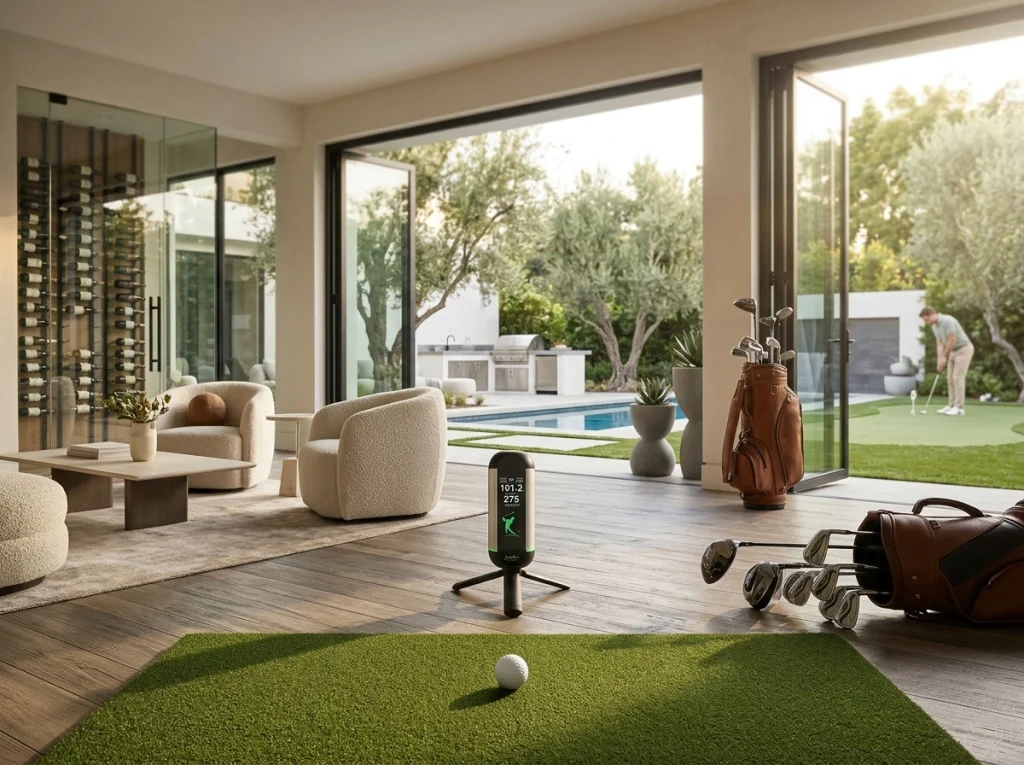
7 Key Criteria for Choosing a Home Golf Launch Monitor
When selecting a golf launch monitor, we recommend evaluating it against these seven criteria to ensure you aren’t misled by technical jargon.
- Radar Technology: A 24GHz Doppler radar is a reliable, entry-level choice for home use. It offers stable, accurate measurements of ball speed and direction while remaining compact. The Lanifun X, for instance, utilizes a 24GHz system, making it ideal for tight spaces like living rooms or garages.
- Tripod/Stand: A built-in tripod saves you the hassle of purchasing a separate mount. The Lanifun X comes with an integrated tripod, ensuring stability the moment you set it down. It is best positioned behind the hitting area, aligned with the target line.
- Bluetooth Connectivity: Bluetooth 5.2/5.3 enables low-latency communication between the monitor and a mobile app. This eliminates the need for messy cables, allowing data to be sent directly to your phone—where you can view your swing metrics and performance curves through a dedicated golf swing analyzer app.
- Battery Life: A 3000mAh battery provides several hours of practice on a single charge (at moderate brightness settings), which is more than enough for a typical home training session. We don’t emphasize "ultra-long" battery life; however, the device offers several hours of operation at medium brightness—more than enough for most evening practice sessions.
- Display: The vertical LCD screen allows for easy, upright viewing of real-time data. With the Lanifun X’s vertical display, you can check your ball speed and direction at a glance without needing to reach for your phone.
- Certifications: FCC, CE, RoHS, UKCA, and ISO9001 are essential requirements for entering the UK market. The entire Lanifun product line carries these certifications, ensuring a smoother customs clearance process and reliable warranty support in the UK.
Choosing the Right Setup for Four Common Home Scenarios
We have categorized four typical home-use scenarios based on available space to help you decide which setup best fits your needs.
Home Golf Simulator
The core of a home golf simulator lies in the integration of a golf launch monitor with an impact screen and projector. For living room setups, we recommend a compact unit that can be easily mounted on a tripod. The Lanifun X, with its vertical screen and tripod mount, requires minimal cabling and is portable enough to take with you if you move.
Indoor Golf Practice
The biggest challenges for indoor golf practice are limited space and excessive echoes. We recommend a 24GHz radar-based short-range system. The Lanifun X features a built-in speaker, and its green LED ring helps create a more relaxed, less confined atmosphere. A single charge at medium brightness is sufficient for your practice sessions.
Garage Golf Setup
For a garage setup, you must consider factors like temperature, humidity, and stability. We recommend placing the Lanifun X on a flat surface directly facing your hitting mat. Since it uses a tripod rather than a magnetic mount, it remains stable even on concrete garage floors, with no risk of shifting due to vibrations.
Portable Golf Launch Monitor
The value of a portable golf launch monitor lies in its convenience—easy to pack away after practice or take with you on the go. The Lanifun X comes with an integrated tripod, battery, and vertical screen; we often pack it into its dedicated carrying case to take to a friend’s place. We also offer flexible configuration options, including custom startup animations to give your device a personalized touch.
We Are the Original Manufacturer
As the original manufacturer with our own production lines, we have full control over lead times and after-sales support. Lanifun also offers OEM/ODM customization services. We provide prototype units before full-scale production, maintain a proportional stock of spare parts, and ship replacements directly from the factory. Our products carry full certifications (FCC, CE, RoHS, UKCA, and ISO9001). For bulk orders or private labeling (OEM/ODM), terms and configurations can be negotiated on a case-by-case basis. Please reach out to us if you would like to request a sample.
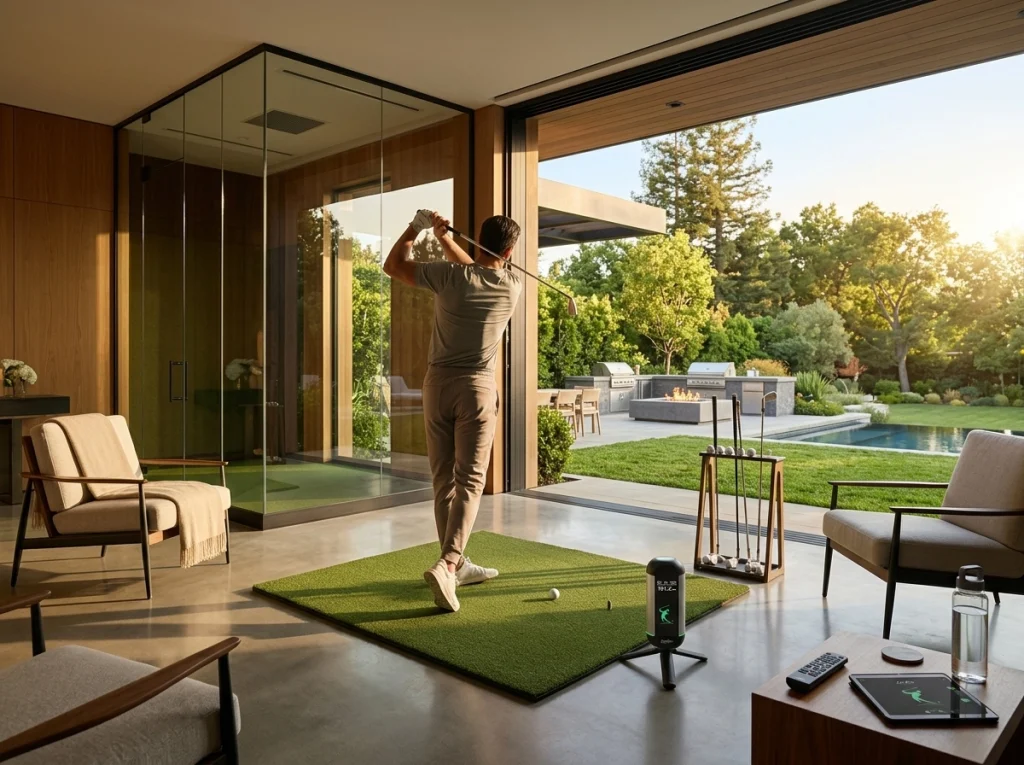
Setting Up Your Home Golf Simulator, Step by Step
We’ve broken the home golf simulator setup process down into four simple steps—even beginners can be up and running by the afternoon.
- 1. Choose Your Space: Clear a 2–3 meter hitting lane in your living room or garage, facing a screen or a plain white wall.
- 2. Position the Device: Set up the Lanifun X on its built-in tripod, placing it behind and to the side of the hitting area, aligned with your target line.
- 3. Connect to the App: Enable Bluetooth 5.2/5.3 on your phone to pair the device and view real-time data, including ball speed and launch angle curves.
- 4. Start Practicing: Enjoy hours of practice time on a single charge (at medium brightness). When the green light ring illuminates, the device is recording your shots for performance tracking and comparison.
Key Takeaways
- For home practice, choose a golf launch monitor that features reliable radar technology, a built-in tripod, and Bluetooth connectivity.
- The Lanifun X utilizes 24GHz radar, includes an integrated tripod, and features a vertical LCD screen—making it an ideal choice for home or garage golf simulator setups.
- As the original manufacturer, we offer OEM/ODM customization, prototype units, and direct-from-factory replacement parts.
- You can set up your home golf simulator in just four steps, allowing beginners to start practicing the very same afternoon.
FAQ
Q: What kind of launch monitor should a beginner choose?
A: We recommend starting with a device that uses 24GHz Doppler radar and comes with an integrated tripod. Beginners don’t need expensive optical-based systems; the Lanifun X provides all the essential data and is incredibly easy to set up. It offers hours of battery life (at medium brightness) and connects to a Bluetooth app to visualize your shot data—perfect for practicing at home.
Q: Can I set this up if I have limited space in my living room?
A: Yes. Our testing confirms that a 2–3 meter hitting lane in a living room is sufficient for a functional home golf simulator setup. The Lanifun X features a compact, vertical-standing design. It remains stable on the ground thanks to its built-in tripod, requiring no magnetic mounts for positioning. It can be used with a projection screen or even a plain white wall, and it packs away neatly into its original carrying case without taking up much space.
Q: What should I do if it won’t connect to my phone via Bluetooth?
A: First, ensure that your phone’s Bluetooth (version 5.2/5.3) is enabled and that your phone is close to the device. Pairing the Lanifun X is straightforward; if it fails, simply restart both the launch monitor and the app. As the original manufacturer, we support remote firmware updates, and our connection logic has been fine-tuned to align with the preferences of our UK users.
Q: Is it stable when placed on a concrete garage floor?
A: For a garage golf setup, placing the unit directly on a level concrete floor actually provides excellent stability. The Lanifun X uses a built-in tripod rather than a magnetic base, ensuring it stays firmly in place on concrete without shifting or vibrating. As long as the temperature and humidity are within a normal range, it will work perfectly—and the green LED ring adds a touch of vibrancy to your garage practice space.
Q: How is after-sales support handled if something breaks?
A: As the original manufacturer, we ship replacement parts directly from our factory. We maintain a stock of spare parts, and our products carry full certifications (FCC, CE, RoHS, UKCA, and ISO9001). We validate prototypes before moving to full-scale production, and our post-production warranty terms are strictly governed by our contracts—ensuring a much faster response time than you would get from a third-party trader.
Q: Can the battery really last through an entire evening of practice?
A: To be completely transparent: the 3000mAh battery provides several hours of use at medium brightness—we don’t make exaggerated claims about “ultra-long” battery life. It is generally sufficient for a standard home practice session. If you plan on practicing for longer, you can keep a spare battery on hand or simply plug it in to charge nearby. The Lanifun X’s built-in speaker is more than adequate, and you can dim the LED ring to conserve power.